The Complete Guide to Automated Three-Dimensional Creation

The Complete Guide to Automated Three-Dimensional Creation
Automated three-dimensional creation, or auto-3D, has moved well past the experimental stage. It’s now part of everyday work for designers, architects, and game developers who need to turn ideas into models quickly.
With the right approach, you can turn a photo, sketch, or scan into a production-ready asset in minutes while still keeping creative control.
Let’s go over the key steps to auto-3D, showing you how to choose tools, feed them quality input, and integrate automation into a wider workflow. By the end, you’ll know exactly how to make Auto-3D work for your projects without the endless guesswork.
Select the Right Tools for Your Goals
The platform you start with shapes the whole project. For game assets, you’ll want lightweight models with clean UV maps that won’t slow performance. If you’re working in architecture, photorealistic rendering, and CAD compatibility matter more than polygon count.
The right choice up front means less fixing later, and more time spent creating.
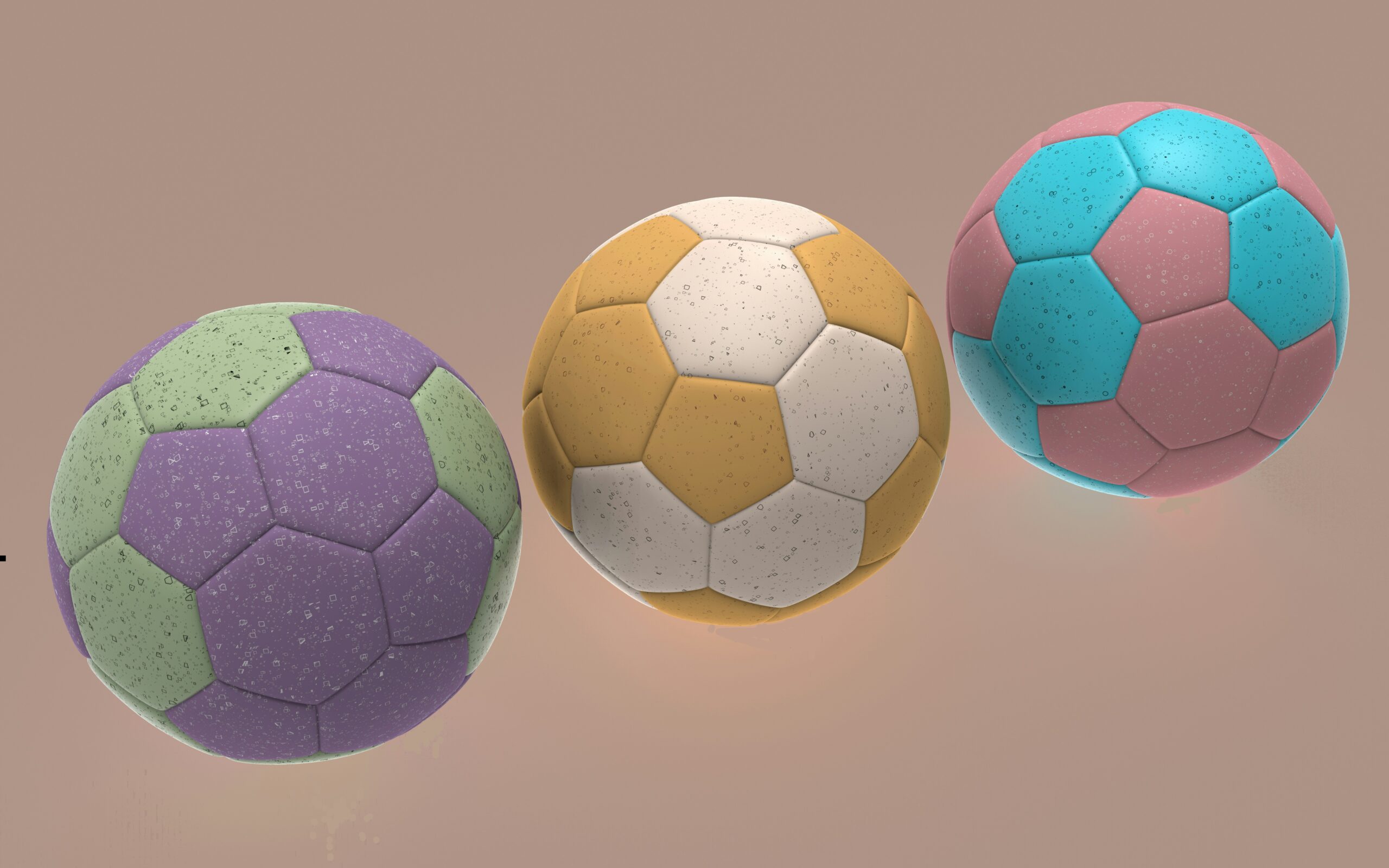
Some systems now let you run an image to 3D model AI process that takes a single flat image and outputs a textured mesh, ready to drop into your scene. Picking a tool that’s tailored to your output format and production environment saves time and avoids conversion headaches later.
Provide High-Quality Input for Better Output
Your results depend heavily on what you feed into the system. IIf you’re starting with sketches, keep them sharp and tidy – clear lines, no smudges, and proportions that match your intended design.
When working with photos, move around the subject and grab plenty of angles under the same lighting so the software has a full picture to work with.
If you’re working from scans, keep backgrounds neutral and the resolution uniform across all files. Calibrate your scanner or LiDAR device regularly to ensure measurements remain true-to-scale.
Think of it like sports footage: the clearer the recording, the easier it is to analyse every movement.
Automate and Streamline Your Workflow
Once the inputs are in good shape, let the boring stuff run on autopilot. Use batch tools to even out lighting across your shots, rename files in one sweep, and drop them straight into the right folders.
Set up presets so every export comes out in the right format and at the right texture resolution, and so there's no need to fiddle with settings every time.
The same principle applies when you want to maximise betting gains: you’re not changing the game, you’re making the most of the rules you’ve got.
Review and Refine Model Quality Early
Automation can get you most of the way there, but it still makes mistakes. A mesh might bulge in places it shouldn’t, textures can warp when wrapped around tricky shapes, or proportions might drift just enough to feel “off.” Catch those flaws right after generation, before the model moves any further along.
Look at it from different angles in multiple viewports, and run quick checks for polygon count, scale accuracy, and texture resolution. Switch up the lighting to reveal bumps or seams that aren’t obvious in a neutral setup.
When you spot a problem, nudge your prompts or adjust the tool settings. Even adding “more surface detail” or “smoother edges” can turn a rough pass into something ready for production. Small changes at this stage save a lot of rework later.
Integrate Auto-3D into Your Production Pipeline
The real time-saver comes when Auto-3D plugs straight into the tools you already use. Set exports to land directly in your game engine’s asset folders so they’re ready to go the moment they’re created. Hook CAD-ready files into your design suite so you can skip format conversions entirely.
Keep everything under version control, which makes it easy to roll back to an earlier model, compare changes side by side, or spin off variations without losing the original.
Tag each asset with details like creation date, tool version, and input source – a small step that makes your library far easier to navigate months or even years down the line.
Expand with AI Add-Ons and Insights from Other Fields
Modern platforms can do more than just model creation. You can auto-rig characters for animation, transfer textures between models, or apply realistic material scans instantly.
These add-ons cut down the manual steps between concept and deployment. It’s the same mindset behind advances in sports analytics, where AI tools are starting to transform football by turning raw data into actionable insights.
In both cases, the tech works best when paired with human judgment.
Keep Learning and Testing to Stay Ahead
Auto-3D changes fast enough that a tool you’ve mastered today might feel outdated in a few months. One update can swap in a new rendering engine, clean up messy meshes with a single click, or add automation hooks that cut an entire step from your workflow.
Test these changes while they’re fresh – open two versions of the same project, run them through old and new settings, and see if the results justify making the switch.
Jot down what works and what doesn’t, and share that knowledge with your team so nobody wastes time repeating experiments you’ve already run.
Stay plugged into reliable sources, from Forbes to developer forums, and skim release notes before updates land. Even a quick look at how other creators are solving similar problems can spark an idea you wouldn’t have found on your own.